What is Council Bluffs Shopify Traffic & How to Filter It Out

TL;DR / Quick Summary: Traffic from Council Bluffs, Iowa appearing in your store reports is automated bot traffic triggered by Google Data Center servers. Shopify and Google use infrastructure located in Council Bluffs Iowa to run automated Google Lighthouse bots, test store loading speed, render theme previews, and evaluate app integrations. These automated requests are non-human sessions logged under session location reports. While they do not pose security risks, they cause conversion rate distortion and skew bounce rates. You can exclude them using a GA4 city filter or custom filters inside Shopify Analytics.

Key Takeaway: Traffic from Council Bluffs is not a hacker attack or credit card fraud attempt. It is benign automated infrastructure traffic. However, leaving it unfiltered artificially lowers your reported conversion rate.
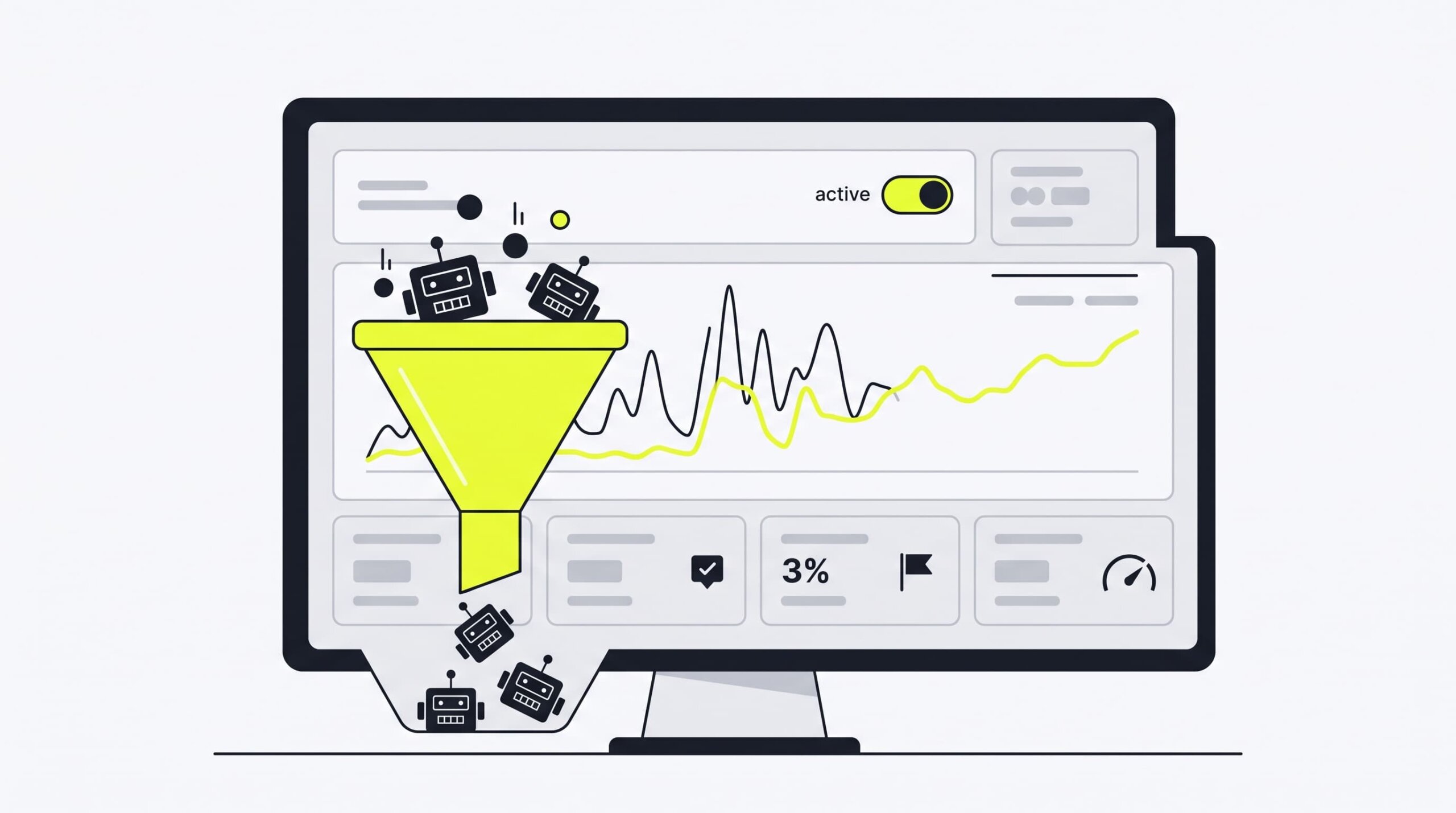
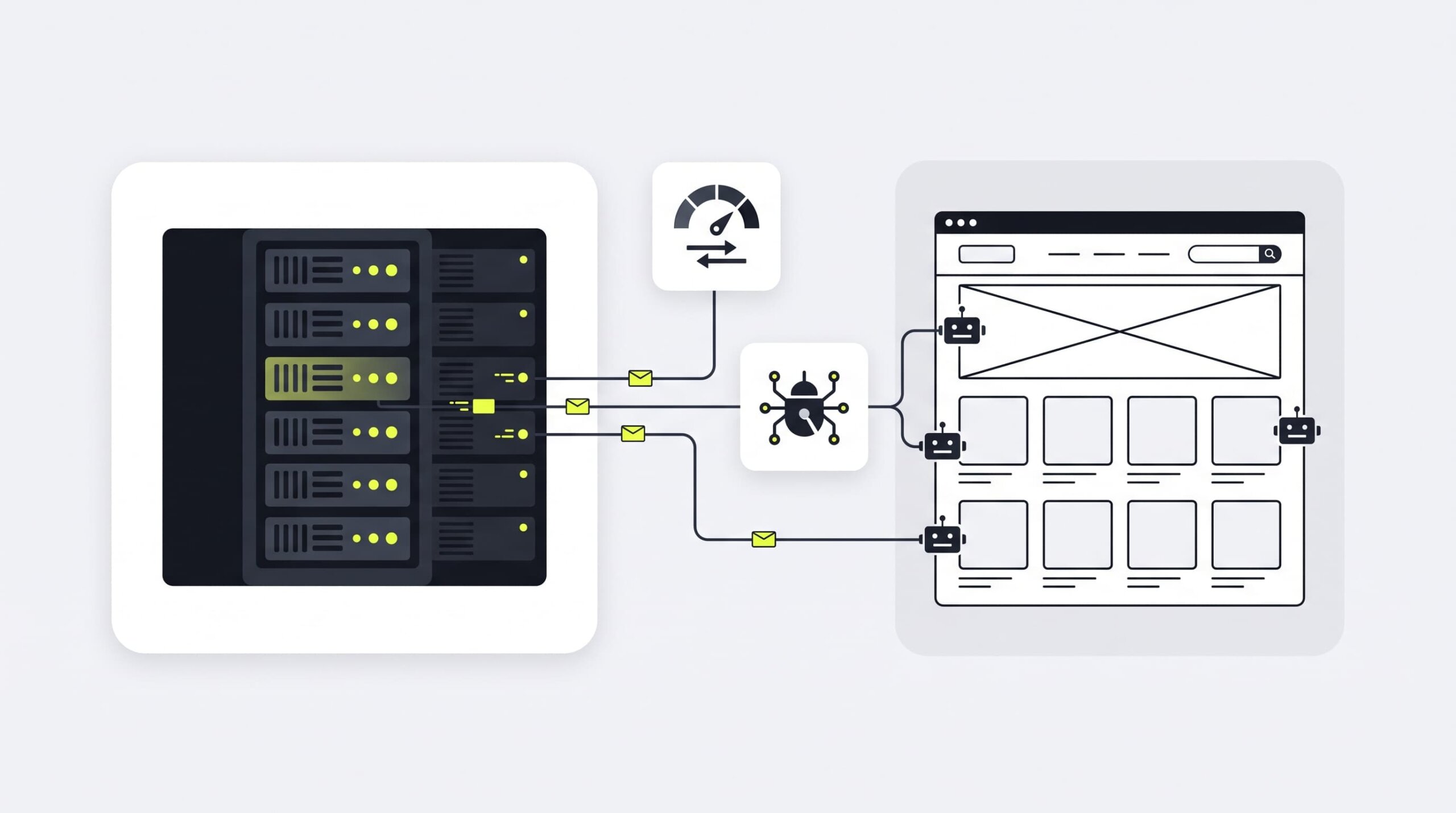
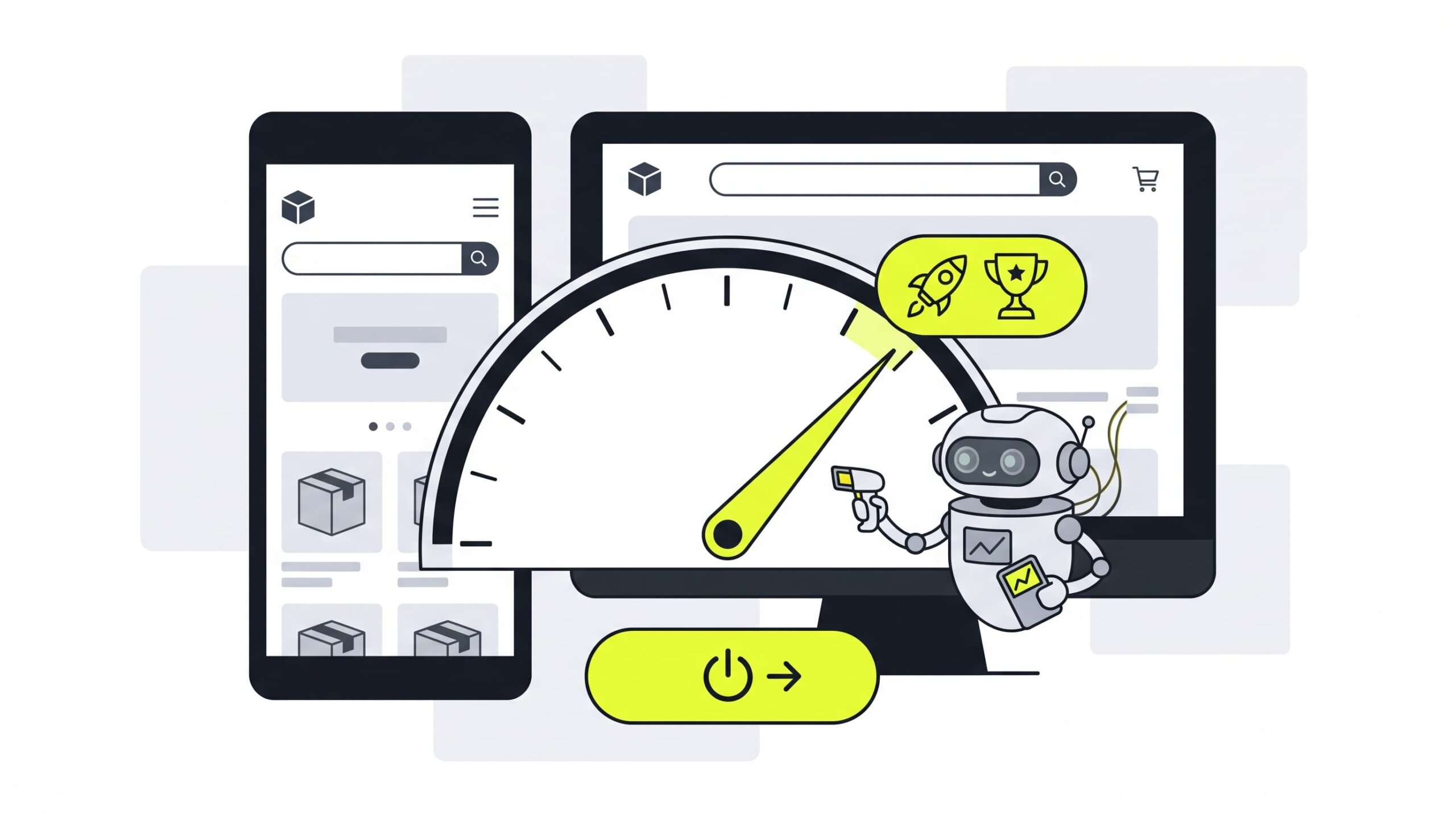
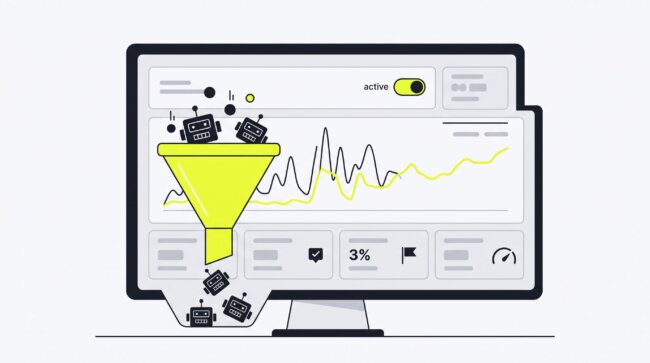
Illustration of filtering automated Council Bluffs bot traffic out of Shopify store analytics

Why Are You Seeing Traffic from Council Bluffs, Iowa on Shopify?

If you check your store’s geographic traffic reports and spot hundreds of sessions originating from a small city in Iowa, you are not alone. Thousands of store owners ask what is council bluffs iowa shopify traffic and why it suddenly spikes in their analytics dashboards.

Seeing unexplainable visitor spikes often causes concern about DDoS attacks or click fraud. However, understanding council bluffs shopify traffic begins with examining Google’s physical server architecture and Shopify’s automated store evaluation systems. If you wonder what is council bluffs iowa shopify traffic doing on your store, the answer lies in cloud automation.

Step Component Action
1 Google Cloud Data Center (Council Bluffs, IA) Triggers automated Google Lighthouse bots
2 Shopify Store Front Renders theme and executes tracking scripts
3 GA4 & Shopify Analytics Logs non-human session location in analytics

The Role of Google Cloud Data Center in Council Bluffs

Council Bluffs Iowa hosts one of Google’s primary hyperscale Google Data Center facilities. Spanning hundreds of thousands of square feet, this facility powers significant portions of Google Cloud Platform (GCP) infrastructure.

Source Facility Automated Service
Google Data Center (Council Bluffs) Automated Speed Audits (Lighthouse)
Google Data Center (Council Bluffs) Theme Preview Rendering Engine
Google Data Center (Council Bluffs) Google Search Indexing Crawlers

Diagram showing Google Data Center in Council Bluffs sending automated requests to Shopify storefronts

Shopify hosts core elements of its e-commerce infrastructure on Google Cloud. When automated cloud scripts, background worker tasks, or serverless rendering functions execute requests, their IP addresses resolve geographically to the physical location of the server farm: Council Bluffs Iowa.

Therefore, when background automated tasks query your store, analytics scripts record the session location as Council Bluffs, creating artificial spikes in council bluffs shopify bot traffic.

Automated Shopify Speed Tests and Google Lighthouse Bots

Shopify automatically measures your online store’s performance. Inside your Shopify Admin under Online Store > Themes, Shopify provides a Speed Score powered by Google Lighthouse.

Store Owner Clicks "Run Speed Test"
  └─► Shopify Server triggers Google Lighthouse Bot
       └─► Bot requests store pages from Council Bluffs Data Center
            └─► Session recorded in Shopify Analytics & GA4 (0s duration)

To generate this score, Shopify routinely triggers headless browser instances running Google Lighthouse bots. These automated crawlers visit your homepage, collection pages, and product pages from the Google Data Center in Council Bluffs.

Because headless browsers render the full HTML document and execute JavaScript, your Google Analytics 4 tracking tag fires normally. This logs a new session originating from Council Bluffs Iowa, adding to your overall council bluffs shopify traffic count under your session location dimension.

Illustration of Google Lighthouse bots auditing Shopify theme speed from Council Bluffs data center

Theme Preview and App Integration Crawlers

Automated speed testing is not the only source of non-human hits. Several e-commerce operations generate headless browser sessions from Council Bluffs Iowa:

  • Theme Editor Previews: Whenever you or your team customize a draft theme, Shopify renders live previews in iframe containers hosted on cloud instances in Council Bluffs.
  • App Webhooks and Scrapers: Third-party Shopify apps—including visual page builders, SEO audit tools, and currency converters—frequently use serverless functions running on Google Cloud infrastructure in Iowa to verify frontend script installations.
  • Google Search Indexing: Beyond standard Googlebot web crawlers, special rendering verification bots check mobile usability and Cumulative Layout Shift (CLS) directly from cloud servers in Council Bluffs.

Every time these automated services ping your site, they generate council bluffs shopify bot traffic that gets logged into your reporting tools. This continuous pinging is why merchants see recurring council bluffs shopify bot traffic in their logs.

Is Council Bluffs Traffic Harmful to Your Shopify Store?

When merchants notice thousands of visits with zero sales, their first reaction is fear. Understanding the distinction between security threats and analytics inaccuracies helps prioritize corrective steps.

Security & Hacking Risk Assessment (Why Your Store Is Safe)

The short answer is no, your store is completely safe. Traffic from Council Bluffs Iowa does not represent credential stuffing, payment gateway testing fraud, or malicious DDoS activity.

These requests originate from legitimate Google Data Center IP ranges utilized by Shopify’s own platform tools. The bots do not attempt to bypass login screens, submit spam form entries, or compromise customer databases.

Asking what is council bluffs iowa shopify traffic is understandable, but merchants can rest assured that these automated visits carry zero security or compliance risk.

The Real Problem: Skewed Analytics and Artificial Conversion Drops

While your store infrastructure remains secure, council bluffs shopify bot traffic causes severe reporting inaccuracies. The true threat lies in conversion rate distortion.

Analytics Distortion Impact
Unfiltered Data:

Total Sessions: 10,000 (Includes 2,500 Council Bluffs Bot Hits)
Total Orders: 150
Reported Conversion Rate: 1.50% (Distorted)

Clean Data (Filtered):

Real Human Sessions: 7,500
Total Orders: 150
Actual Conversion Rate: 2.00% (Accurate)

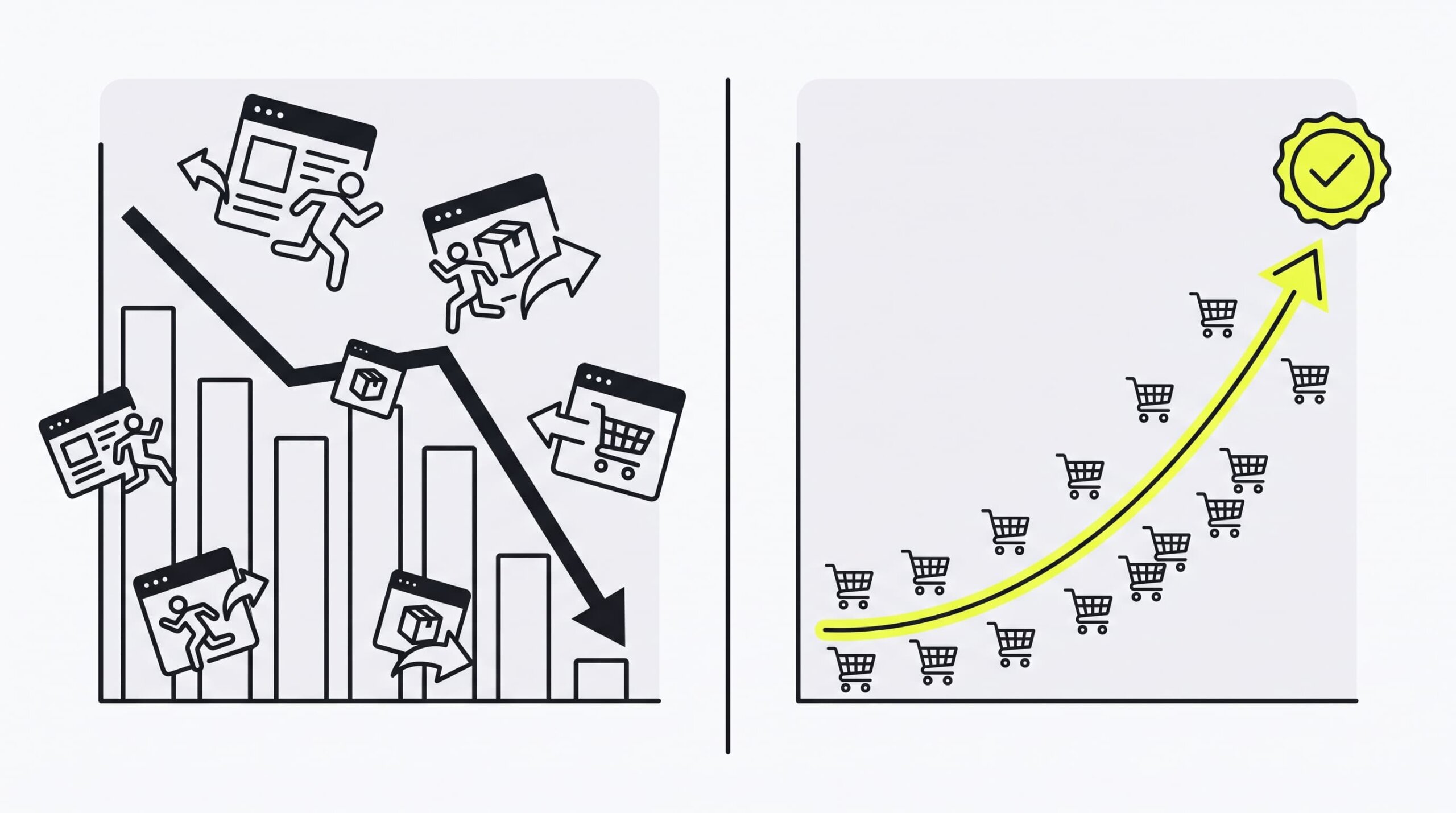
Comparison chart showing conversion rate distortion caused by unfiltered Council Bluffs bot sessions

Because Google Lighthouse bots and automated crawlers visit your site without making purchases, they register:

  1. 0% Conversion Rate: Thousands of non-buying sessions dilute your overall store purchase rate, causing severe conversion rate distortion.
  2. 100% Bounce Rate / 0s Engagement: Headless bots immediately disconnect after downloading page assets, skewing average session duration down and compounding your conversion rate distortion.
  3. Misleading Marketing ROI: If you run paid advertising campaigns (Google Ads or Meta Ads), non-human sessions distort geographic performance metrics in Shopify Analytics, making organic or direct channel attribution look inefficient.

Learning how to filter council bluffs traffic shopify google analytics configuration settings is essential to eliminate this conversion rate distortion and restore accurate decision-making data.

How to Filter Out Council Bluffs Traffic in Shopify Analytics

Shopify’s built-in analytics dashboard provides native filtering capabilities. You can exclude non-human sessions directly within your store reports without modifying Liquid code.

Step 1: Open Sessions by Location Report

Log into your Shopify Admin panel. In the left navigation menu, go to Analytics > Reports.

Scroll to the Customers or Sessions section and select the Sessions by location report to view every recorded session location.

Step 2: Apply the "Session City Is Not Council Bluffs" Filter

In the top action bar of the report, click Manage filters or Add filter.

  1. Select the Session city attribute from the filter dropdown menu.
  2. Choose the condition operator is not.
  3. Type Council Bluffs into the value field and select it.

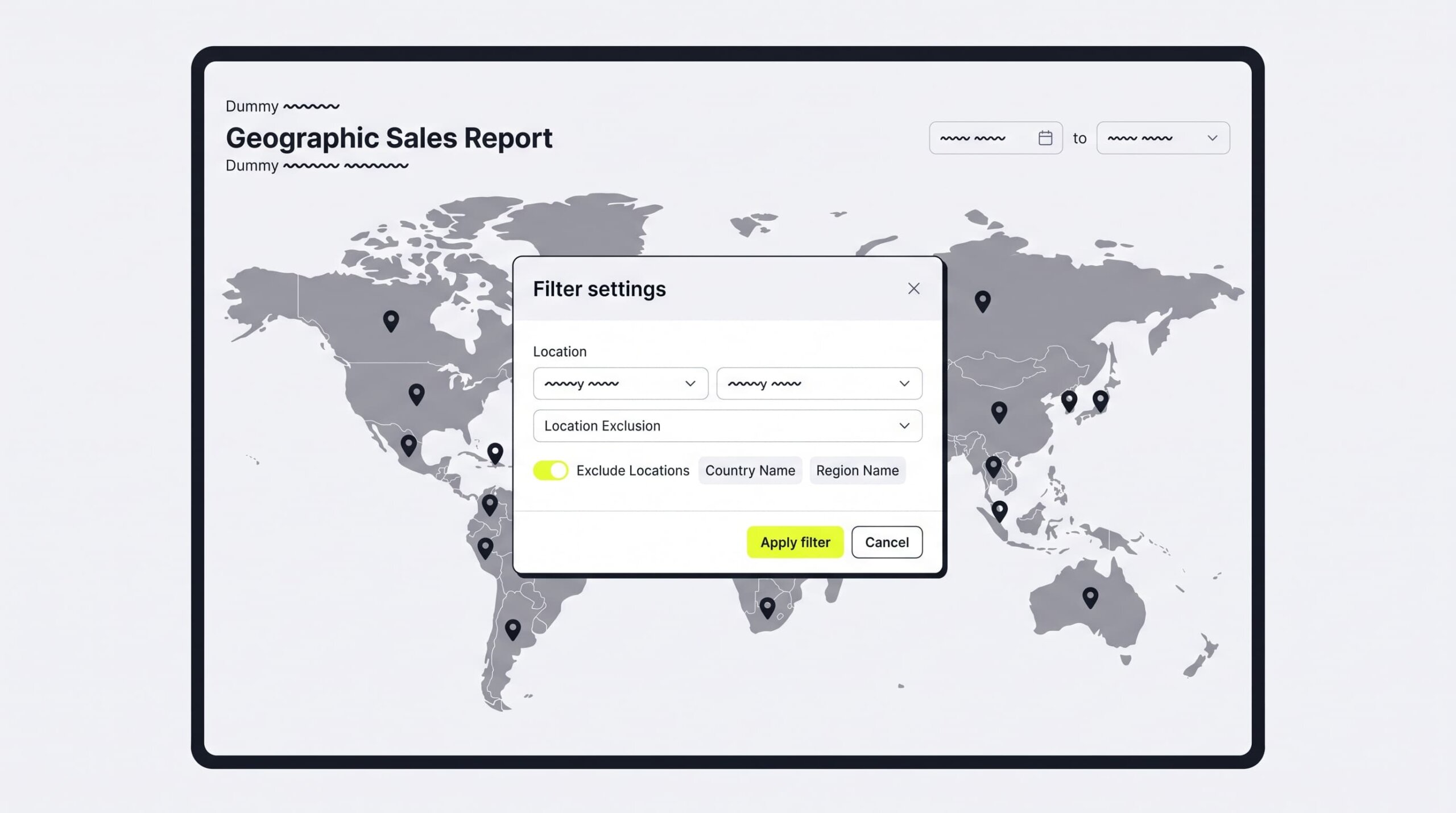
Shopify analytics interface applying a session city exclusion filter for Council Bluffs Iowa

Click Apply filter. Shopify Analytics will instantly recalculate session totals, excluding non-human traffic originating from Council Bluffs Iowa.

Step 3: Save Your Custom "Clean Analytics" View

To prevent applying this filter manually every time you check store performance in Shopify Analytics:

  1. Click Save as in the top right corner of the report.
  2. Name your custom report Sessions by Location (Clean - No Bots).
  3. Click Save.

Access this saved view under Analytics > Reports > Custom reports to analyze accurate human traffic data anytime in Shopify Analytics.

How to Exclude Council Bluffs Sessions in Google Analytics 4 (GA4)

Google Analytics 4 automatically filters known web crawlers, but it does not catch headless cloud servers like those running inside the Google Data Center in Iowa. Understanding how to filter council bluffs traffic shopify google analytics setups allows you to configure a clean GA4 city filter.

Method 1: Creating a Custom City Exclusion Filter in GA4

You can define internal or data center traffic in GA4 Admin and set up a GA4 city filter data filter to exclude those sessions from your production reports.

Step 1: Navigate to Data Streams in GA4 Admin

Log into your Google Analytics account and select your GA4 property. Click Admin (gear icon in the bottom left). Under Data collection and modification, click Data Streams and select your main Shopify web stream.

Step 2: Define Internal / Data Center Traffic for GA4 City Filter

Scroll down and click Configure tag settings. Under Settings, click Show all and select Define internal traffic.

Click Create and configure the rule for your GA4 city filter:

  • Rule Name: Council Bluffs Data Center Bots
  • traffic_type value: datacenter_bot
  • IP Address Match Type: IP address equals or select subnet range if using dedicated server IPs.

(Note: Since Google Cloud IP addresses rotate dynamically, applying a dedicated GA4 city filter in your audience definitions or GTM provides maximum exclusion accuracy).

Method 2: Setting Up a Clean Data Stream Comparisons Filter

If you prefer not to permanently delete historical data using administrative data filters, set up a GA4 city filter via a Comparison Filter in GA4 Standard Reports.

Step 1: Open Standard Reports

Go to Reports > Acquisition > Traffic acquisition in your GA4 property sidebar.

Step 2: Build a City Exclusion Comparison GA4 City Filter

At the top of the report dashboard, click Add comparison.

Configure the comparison parameters to activate your GA4 city filter:

  • Dimension: Town / City
  • Match Type: does not exactly match
  • Value: Council Bluffs

Click Apply. GA4 will display side-by-side metrics comparing your total council bluffs shopify traffic against your clean, human-only sessions. You will immediately notice your conversion rate distortion disappear, revealing your true store performance.

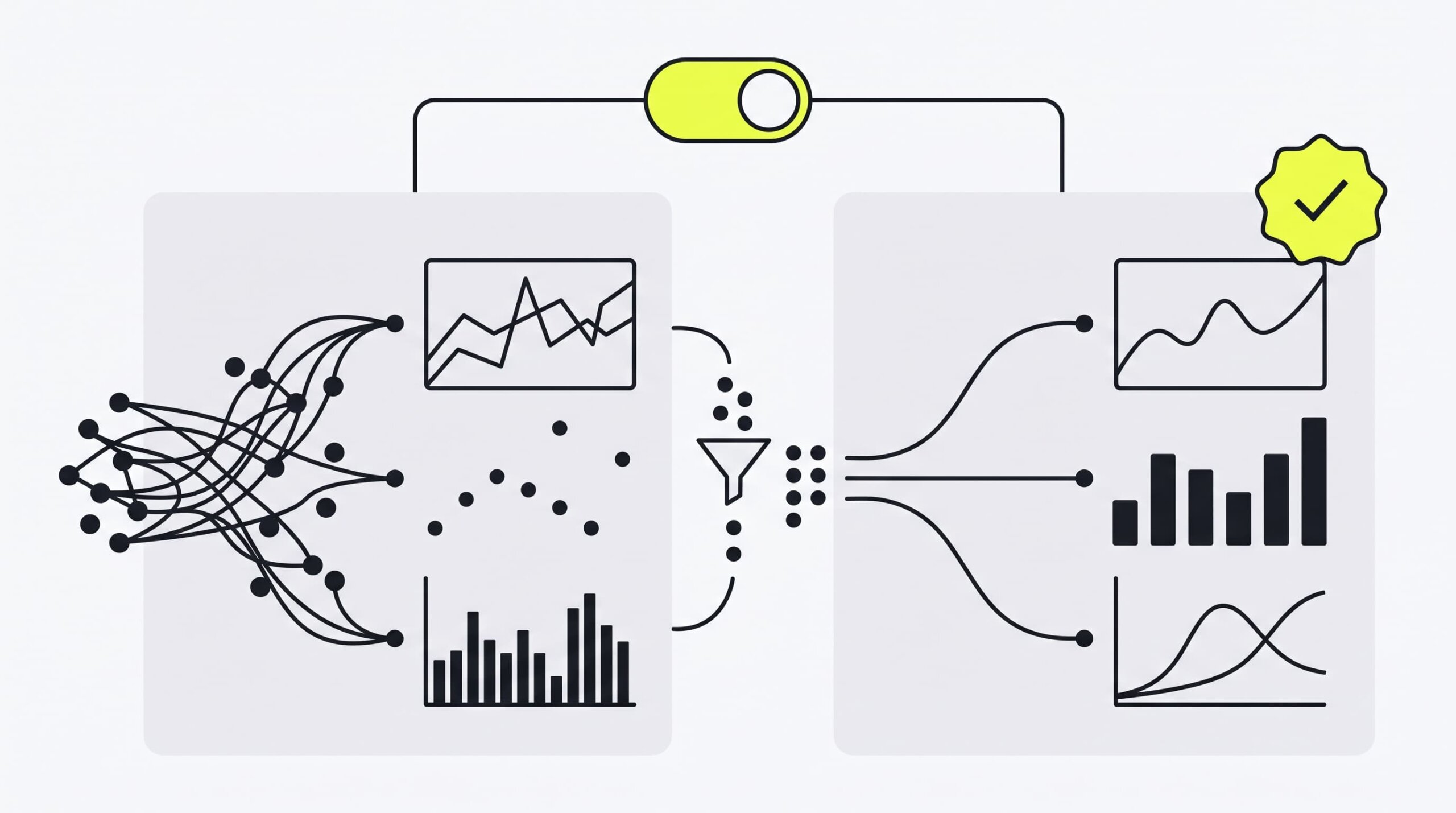
Google Analytics 4 dashboard setting up comparison filter to exclude Council Bluffs bot traffic

Frequently Asked Questions

Here are clear answers to the most common questions merchants ask about Council Bluffs bot traffic, analytics filtering in GA4 and Shopify, and store reporting accuracy.

Will blocking Council Bluffs traffic harm my Google SEO rankings?

No. Exclude filters in GA4 or Shopify Analytics only affect reporting data inside your dashboard—they do not block Googlebot from crawling your website. Google Search crawlers will continue indexing your product pages normally. Filtering analytics simply hides non-human automated traffic from your business reports and prevents conversion rate distortion.

Why does Council Bluffs traffic show 0% conversion rate and 100% bounce rate?

Traffic from Council Bluffs Iowa is generated by automated scripts and Google Lighthouse bots testing site load speeds or background rendering. Because these automated headless browsers disconnect immediately after downloading page scripts without adding products to a cart, they log a 0-second session duration, 100% bounce rate, and 0% conversion rate for that session location.

Clean Your Store Analytics & Boost Real Conversions

Inaccurate data leads to poor business decisions. When fake bot traffic inflates your session count, evaluating campaign ROI, testing landing pages, and improving your purchase funnel becomes nearly impossible.

If you suspect distorted analytics are hiding your true revenue potential, explore our specialized e-commerce conversion rate optimization (CRO) services. Our experts analyze user behavior, eliminate tracking noise, and optimize your checkout flow for maximum sales.

Whether you need advanced GA4 tracking setup, custom GTM triggers, or a full funnel audit, our engineering team provides complete Shopify store development and analytics setup to help you scale confidently.

Is fake bot traffic ruining your store’s conversion metrics?

Don’t let distorted analytics hide your real sales potential. Upweb’s CRO & Analytics experts will clean your tracking data and optimize your Shopify checkout for maximum revenue.

Request a Shopify CRO & Analytics Audit from Upweb

"*" indicates required fields

What can we help you with?

Recommended for You

Read more expert guides, case studies, and platform reviews handpicked to help you scale your online store.

Illustration showing how to fix the color schemes must be defined error in Shopify Dawn theme customizerEcommerce
August 21, 2026
How to Fix Color Schemes Must Be Defined
Fix the "color schemes must be defined in settings_data" error in Shopify Dawn (v11+). Learn 3 quick ways to restore your JSON presets and unblock the theme cus...
Read More
Illustration of filtering automated Council Bluffs bot traffic out of Shopify store analyticsEcommerce
August 17, 2026
What is Council Bluffs Shopify Traffic
Seeing traffic spikes from Council Bluffs, Iowa on Shopify? Discover what causes this automated bot traffic and how to filter it out in GA4 and Shopify Analytic...
Read More
WooCommerce conversion rate optimization funnel showing discover, choose and purchase stagesEcommerce
August 10, 2026
WooCommerce Conversion Rate Optimization
WooCommerce conversion rate optimization is a data-driven framework for finding the exact points where shoppers give up — slow pages, cluttered checkouts, missing...
Read More
Woocommerce vs shopify comparison 2026 — platform overview illustrationEcommerce
August 4, 2026
WooCommerce vs Shopify
WooCommerce vs Shopify remains the platform decision that defines long-term costs and development flexibility for US merchants in 2026. Shopify sells speed and ...
Read More
Cloud ecommerce platform connecting storefront, payments, and analytics — illustrationEcommerce
July 27, 2026
What Is a Cloud eCommerce Platform
Aging on-premises servers slow every product launch, drain IT budgets, and buckle under Black Friday traffic. A cloud ecommerce platform removes that bottleneck:...
Read More
Best ecommerce site builders for online stores comparison 2026Ecommerce
July 21, 2026
Best eCommerce Site Builders for Online Stores
The best ecommerce site builders let small businesses launch an online store, accept payments, and manage shipping from a single dashboard — no developer requir...
Read More